Delivering photo sets and videos safely
The short answer
A set of feet pics or a foot clip is a file, so a safe delivery depends on what the file shows. Check every frame, keep your face out, wait until the money is in your account, send the files straight to their inbox on the site and keep the originals for yourself.
Before you share
Check every frame
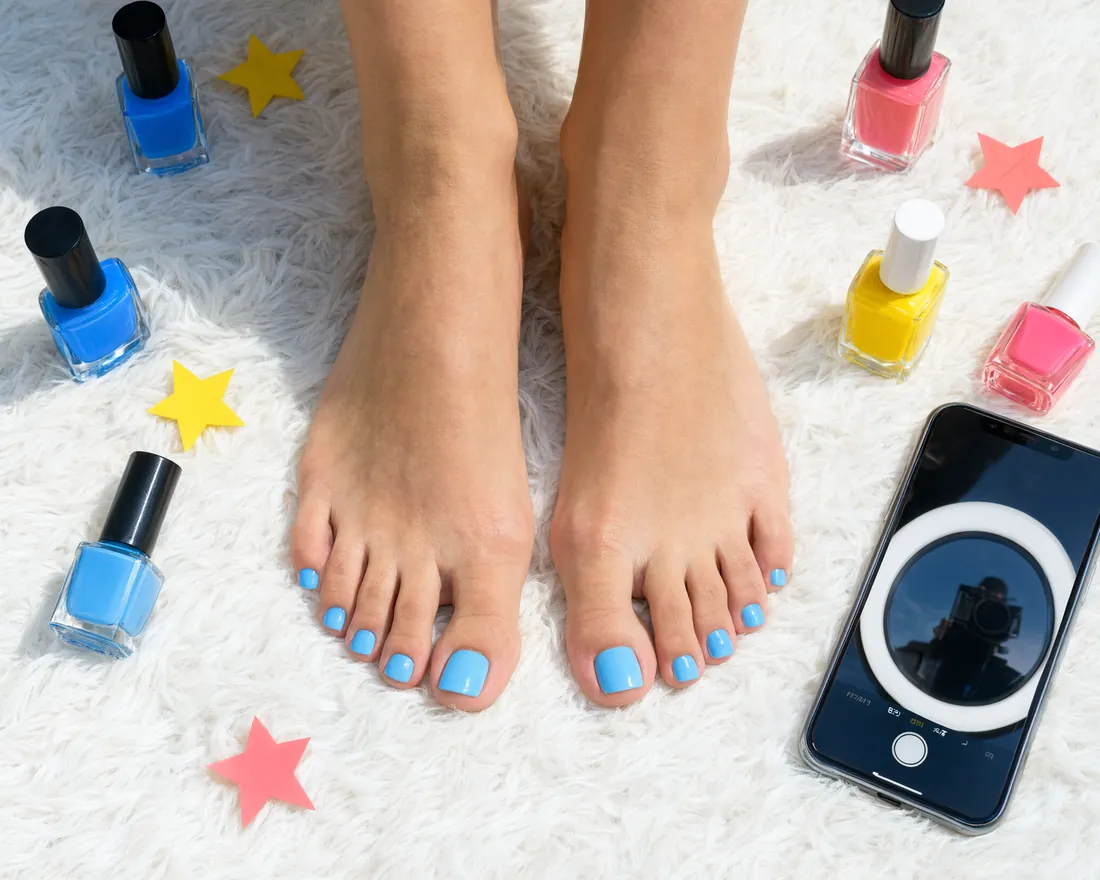
Look at each photo, and at a video from start to end, for anything that shows more than you meant to share. A mirror, a window view, a street sign or a letter on the table can all give away where you are. Crop it out or shoot again. A plain floor or a bedsheet keeps the eye on your feet and gives nothing away.
Location and camera data
Phones store where and when a photo or a video was taken inside the file. feetpics.com removes location and camera data from every photo and clip you upload, in the inbox too. Switch off location tagging in your camera settings anyway, so the originals on your phone carry none either.
Keep your face and name out
Faces stay out of the picture unless you decide otherwise. Check reflections in mirrors, windows and screens, so your face doesn't show by accident. Leave your name, your town and your workplace out of the files and out of the file names. The anonymity guide covers more ways to stay private.
Delivering the set
- Get paid first. The fan pays you directly. Check your own bank or payment app, and tap Payment received on the order card only once the money is really there.
- Deliver what was agreed. Match the shots, nail polish, number of photos or clip length of your offer. If it was custom, deliver exactly what the request described, and say so in your note.
- Keep it on the site. Send the files only to the fan's inbox on feetpics.com, never through a third-party link you can't take back.
- Name the files clearly. Shot type, nail polish or setting tell the fan what each file is.
- Share copies, keep the originals. Keep the full set in your own private folder. The storage guide covers folders and backups.
Clips you post on Broadcast show on your page and in the Clips stream for logged-in members, and a fan can ask you for a custom clip. The photo guide shows how to frame a shot so the details sell and the background stays quiet.
After delivery
When the files are sent, tap Delivered on the order card. The fan can then rate the order. If they later say something is missing, the files in your inbox show what you sent. The safety guide explains what to do if something feels wrong.
For fans
Save each file on your device as soon as it arrives. Check it against what you agreed and tell the creator in your inbox if something is missing. A set is for the person who asked for it, so don't share or repost it.
Questions
Do I have to remove location data from my photos?
feetpics.com removes location and camera data from every photo and clip you upload. Switch off location tagging in your camera as well, so your originals carry none.
How do I share a set of photos safely?
Wait until the payment is in your account, check the background of every shot, match what you agreed on and send the files to the fan's inbox. Keep the originals in your own folder.
Can I send a set outside the site?
Keep it in your inbox on the site. The offer, the payment step, the files and the record then stay in one place, and you can report a problem from there.
Does my face have to be in the set?
No. Feet need no face. Check mirrors, windows and screens so it doesn't show by accident.
What should I do when a set arrives?
Save every file right away and check it against what you agreed. If something is missing, tell her in your inbox.
Ready to set up your page?
Joining and posting cost nothing. You decide what you share and what you charge.