Feet pics on your phone and a profile fans trust
The short answer
A profile picture that hides your face still makes fans more likely to get in touch. Your phone is camera enough. Add a picture, post your first clip within a week and fill in About you.
Pick a profile picture that hides your face
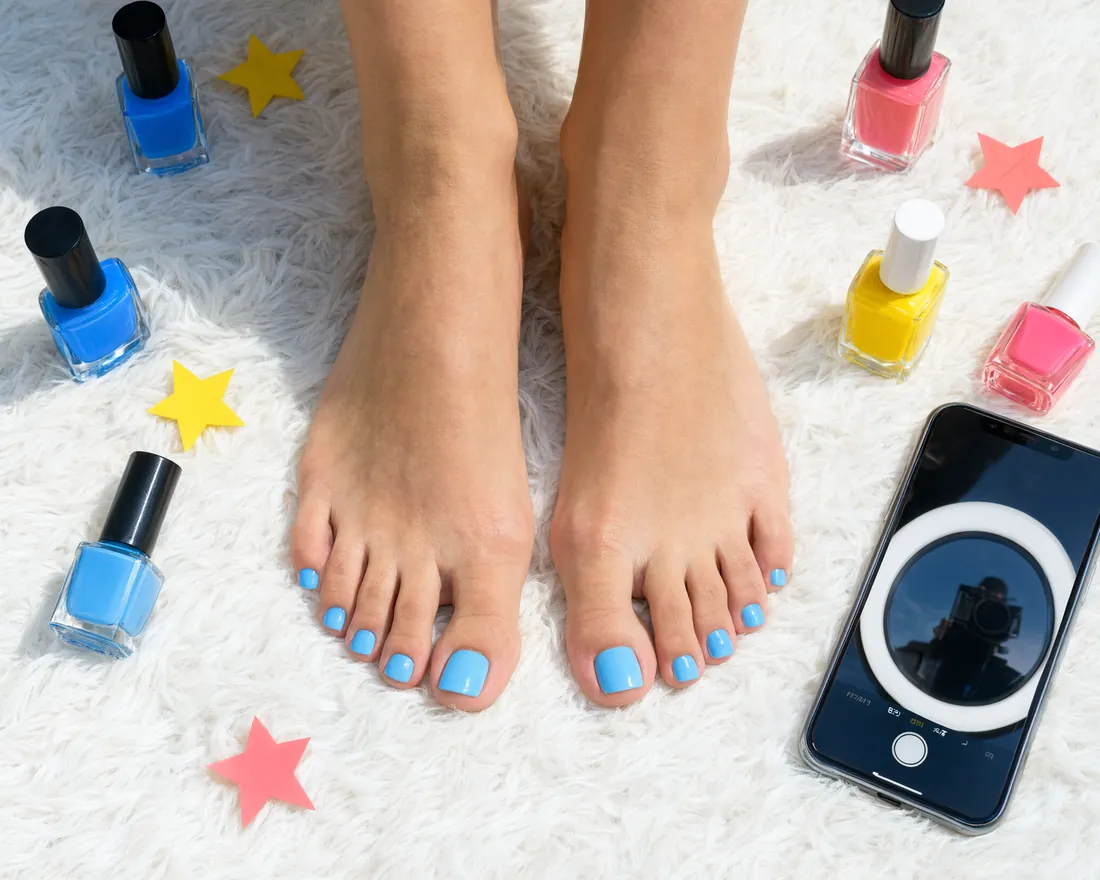
Fans see this picture beside your nickname, on your page and in every inbox thread. It should look tidy and say nothing about who you are. Three ideas that work:
- Close-up. A fresh pedicure with soft light on the toes.
- Soles. Both feet on a plain sheet or floorboards, framed from the ankles down.
- Prop shot. A cushion, a blanket edge or a cup at the side of the frame, with no room detail anyone could place.
In the Photo step of Edit profile, tap "Add profile photo" (or "Change profile photo") and pick the picture. Guests see your picture once it passes our feet check; until then they see the first letter of your name. Use a photo you have never posted on another site, since reverse image search links copies together. More privacy steps are in our guide to staying anonymous.
The first photos on your page
Your photos sit under Photos in Edit profile and show on your page. Fans make up their mind on the first few, so put these first.
- Both feet. Both feet in full on a plain background and nothing else.
- Detail. Your polish up close, or toes and arch lit softly from the side.
- Soles. The classic, straight on and sharp from heel to toes.
On the free plan you keep up to 10 uploads at a time, clips and photos together, so pick your best rather than all of them.
Clips that get watched
Clips go out from Broadcast and show on your page and in the fans' Clips stream. Every clip runs at least 20 seconds; on the free plan up to 30 seconds, and about 30 seconds works best. Keep one idea per clip: slow soles, a toe wiggle, fresh polish drying, an arch pointing. Film in daylight with your feet filling the frame, and add a short caption so fans can find it.
Poses that work
Most photos and clips are built from a handful of poses. Shoot each one a few times and keep the best:
- Soles up: lying on your front, knees bent, soles towards the camera. The classic.
- Toes spread: soles or tops of the feet, toes held apart.
- Pointed arch: from the side at foot height, toes pointed, so the arch curves.
- Crossed ankles: legs up against a wall or on a pillow, ankles crossed.
- Tiptoe: standing on the balls of the feet, heels raised, shot from behind or the side.
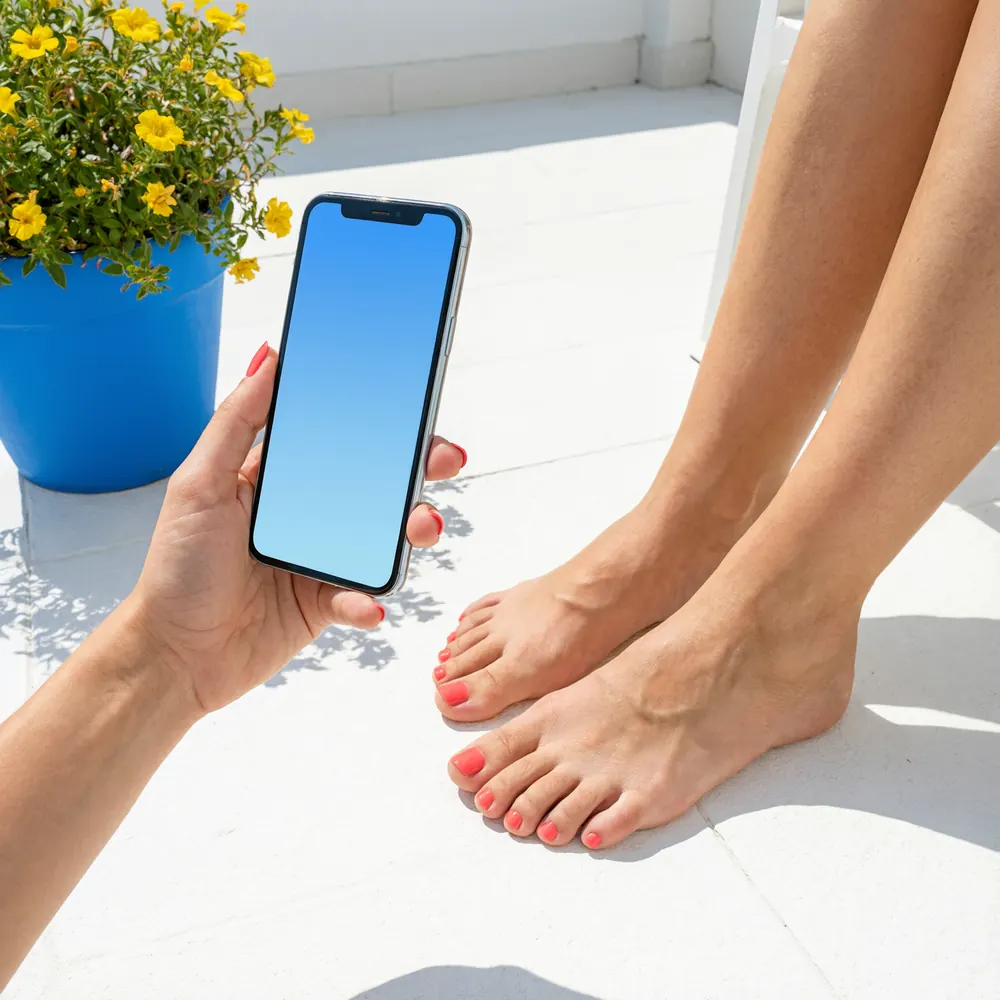
- Top-down: standing, phone held straight above, shows the toes and the polish.
Keep one pose per photo and fill the frame with your feet. Two or three poses in one set are plenty; ten different ones look random.
Who sees which photo
Logged-in members see your clips and photos. A guest sees a shorter page with only what passed our checks, and your clips stay locked until they sign up for free. Nudity or a sex act keeps a photo hidden from everyone, members too. The preview on My page shows your page exactly as a guest sees it. A photo meant for everyone should show your feet and nothing else.
Light, background and location
A good feet pic is mostly a question of light. The phone matters far less.
- Sit beside a window with no direct sun on you. Light from one side shapes the arch and shows the texture of your skin.
- Leave the flash off. It makes skin look flat and puts bright spots on glossy polish.
- Use one plain surface for all your photos and clips, such as a bedsheet, a towel or floorboards, so your page looks like one collection.
- Clean the lens first. Tap your toes or soles on the screen to set focus, and step in rather than zoom.
- Location. feetpics.com removes location and camera data from every file you upload. Switch it off in your camera anyway, so the originals on your phone carry none. On an iPhone the path is Settings > Privacy & Security > Location Services > Camera > Never; Android phones keep the switch inside the camera app.
Your About text and your feet details
Fans read your About text before they send a request. Three or four short sentences do it. Say what you post, the shots you enjoy, when you tend to reply, and anything you won't do. An example: "My own feet pics and clips, mostly soles and pedicure shots. I'm an EU 38 and my polish changes every week or so. I reply in the evening."
Under Details, set your foot shape, shoe size and arch, and pick your specialties. Fans read them on your card and your page, and your specialties become the tags of your clips. Guests see your About; your one-line intro and specialties show to logged-in fans only.
How to set your price is covered in the pricing guide.
Reply to fans the same day
A request only helps you if you answer it. A fan's request lands straight in your inbox and runs for 12 hours, so answer while the fan is still waiting. Send an offer with your price, a short note and a teaser of one clip or 5 to 10 photos.
Keep the whole conversation here on the site, so everything stays in writing. If a fan tries to move you to another app, report them with "Wants to move off feetpics.com" and block them.
Ready to set up your page?
The guide for creators covers your profile, your clips, privacy and delivering your sets safely on one page.
Read the guide for creatorsQuestions
Does my face have to be in any photo?
No. Your profile picture can be a close-up or a soles shot, and your photos and clips are about your feet only.
How many photos should I post?
Three good ones beat ten mixed ones. On the free plan you keep up to 10 uploads at a time, clips and photos together.
Why is nobody writing to me?
Start with the basics. Is there a profile picture, at least one clip and a few lines under About? Are your foot shape, shoe size and specialties set? When requests come in, answer the same day.
Can a photo from my profile become my profile picture?
Yes. Tap "Change profile photo" in the Photo step of Edit profile and pick it. A sharp soles shot shows nothing of your face or your home.
What can guests see of my photos?
Less than members. Guests see only what passed our checks, their view of your clips stays locked, and a photo with nudity or a sex act is hidden from members as well. Open the preview on My page to see exactly what a guest sees.
Ready to set up your page?
Joining and posting cost nothing. You decide what you share and what you charge.