Keeping your photos and files private and organised
The short answer
Keep your originals in one private place, check every file before you send it, and share only the set the fan ordered. A clear routine is what keeps your feet pics safe.
What can give you away in a photo
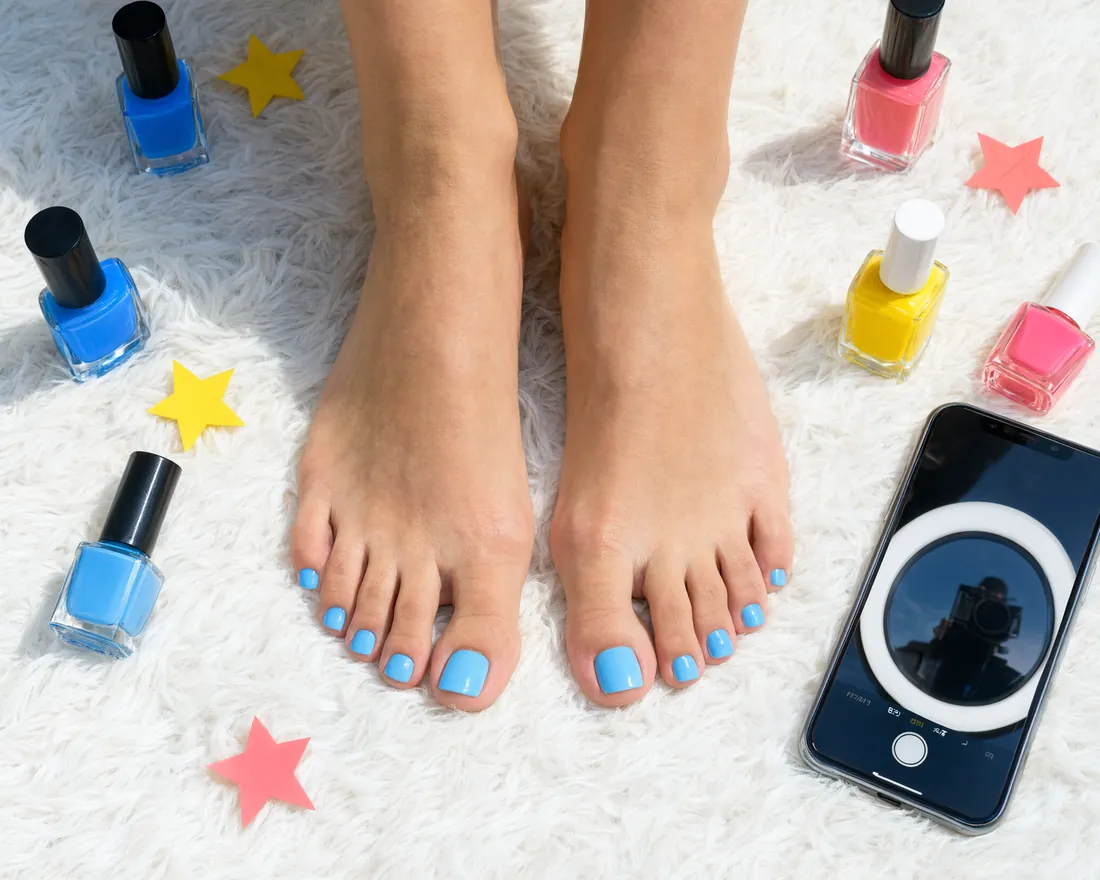
A photo carries more than your soles and pedicure. Files can store the time, the device and sometimes the place where you took them. Backgrounds can show a street, a letter or a family photo. The steps below keep those details out of the picture.
Rooms and surroundings matter too. A rug, a window view or a tattoo can be recognised by people who know you. The guide to staying anonymous has the detail.
How to keep your files organised
Most creators start with a camera roll full of mixed shots. A simple structure saves time and mistakes.
- A main folder for everything you sell, kept apart from your personal photos.
- A subfolder per kind of shot, such as soles, toes or arches.
- A subfolder per custom order, so a set made for one fan is never mixed up with another.
Add nail polish and shoe size to the file names if you sell in several looks. One clear folder beats a pile of half-sorted ones. Keep originals untouched and work on copies.
Backups and storage
A backup protects you from a lost phone. A private one protects you from everyone else.
- Use a locked folder or an encrypted drive for the originals.
- Turn off automatic sharing of albums and cloud sync to family devices.
- Keep one backup offline, for example on an external drive in a drawer.
Delete files you no longer sell once the order is closed.
Before you send a set
Check every set before it leaves your phone.
- Match the offer. Shots, nail polish, number of photos or clip length should be what you promised.
- Check the frame. No mirrors, no names, no mail, no reflections of your face.
- Location data. feetpics.com removes it from every file you upload, but switch it off in your camera too, so your originals carry none.
- Add a small watermark if you like, placed where it can't be cropped out easily.
Send only the files the fan ordered. Keep your own originals.
How to send a set safely
Keep everything in your inbox on the site, so the offer, the payment step and the files stay in one place. The fan pays you directly, so wait until the money is in your own account and tap Payment received before you deliver the full set.
For a custom order, confirm the details first: shots, nail polish, length and setting. If the fan asks for something you don't make, you can say no. Your teaser of one clip or 5 to 10 photos is the preview. A full set before the payment is not. The delivery guide covers sharing a set safely.
If something goes wrong
If a fan shares your set without permission or asks for things you don't offer, stop there and keep a copy of what was said. Report them from the ⋯ menu of your inbox thread, with "Photo of me without my consent" if your pictures turn up elsewhere, so the team can act. You never owe anyone more than your offer says.
Questions
Do I need to hide my face in every photo?
No face is needed for feet pics. Just check that nothing else in the frame points to you, such as a reflection, a tattoo or a document.
Does my phone store my location in photos?
It can. Turn off location for the camera app, or remove it when you export a copy of the set.
Should I keep the originals after I send a set?
Yes, in your private folder, at least until the order is delivered. After that, keep only what you plan to sell again.
Is a watermark worth it?
It helps if you worry about reposting. Place it on the sole or the background so it is hard to crop out.
Can I send a preview before the fan pays?
Yes, that is your teaser, one clip or 5 to 10 photos. Keep the full set until the money is in your account.
Ready to set up your page?
Joining and posting cost nothing. You decide what you share and what you charge.