Upload a clip
Post feet clips or photos on Broadcast. Each clip runs at least 20 seconds, up to 30 seconds on the free plan. You pick who gets it and when.
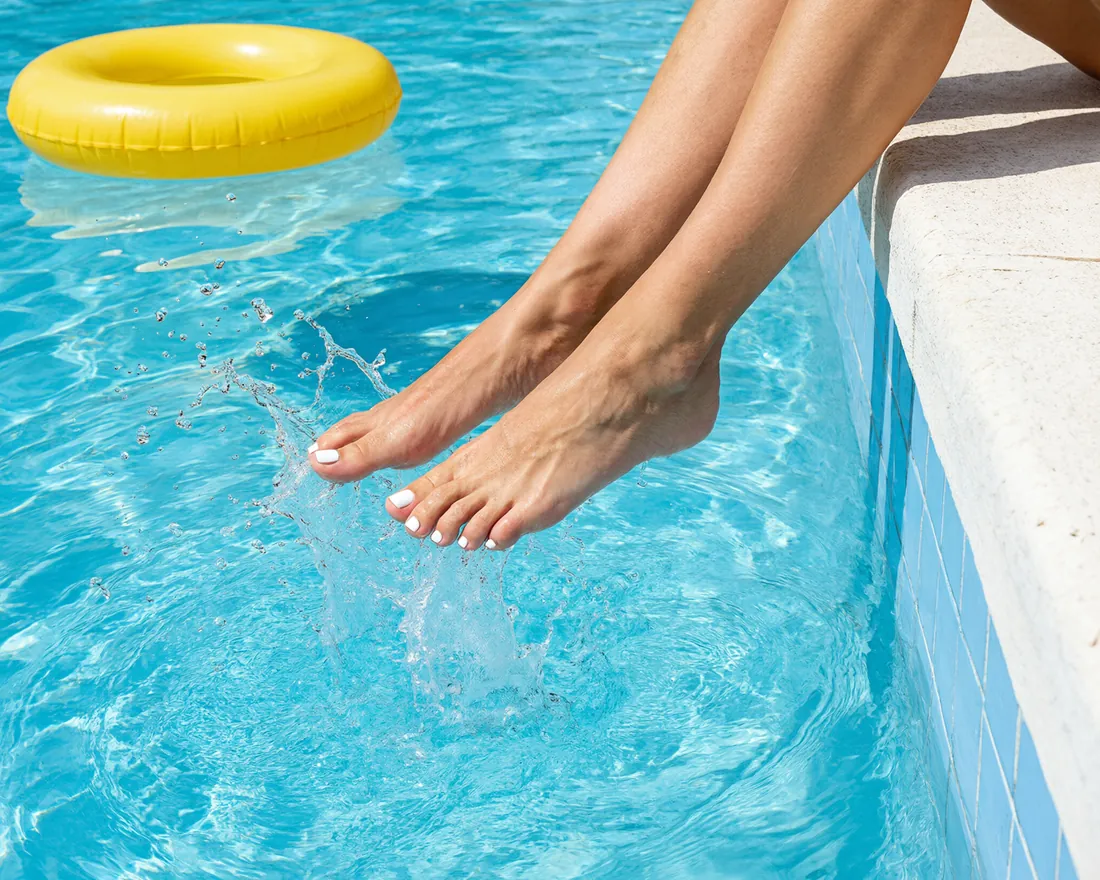
Clips are what fans come for. You post them on Broadcast. Tap the Broadcast key at the top (on a phone, the + tab in the middle of the bottom bar), pick Video or Photos, choose your file and tap Post clip.
How long a clip may be
Every clip runs at least 20 seconds. On the free plan a clip may run up to 30 seconds, with a creator plan up to 60 seconds. About 30 seconds works best. The same rule counts for your intro clip and for the teaser clip of an offer. A clip can be up to 95 MB.
Photos
Under Photos you post up to 4 feet photos at once. Fans see them as a slideshow in Clips.
How many uploads
On the free plan you keep up to 10 uploads (clips and photos together) on your page at a time. It is a total, not a limit per day or month: remove one and you can post a new one.
Who sees it and when
Under Send to pick To all (the default), To my followers or To my visitors. Every clip also shows on your page. With Schedule you post it later, from 15 minutes up to 14 days ahead.
The checks
Every clip is checked before it shows. A clip that breaks the house rules is not shown. See What you may post.
Tips
- Film in good light, with your feet filling the frame.
- Keep the background plain and free of letters, faces and window views.
- An optional description and up to 5 tags help fans find your clip.
Thank you for telling us.
Tell us what you need and we will help you.

Still have a question?
The help center answers most of them. Our support team handles the rest.