Your page
Your page is your own link on feetpics with your intro clip, your clips and a Request button. Share it anywhere.
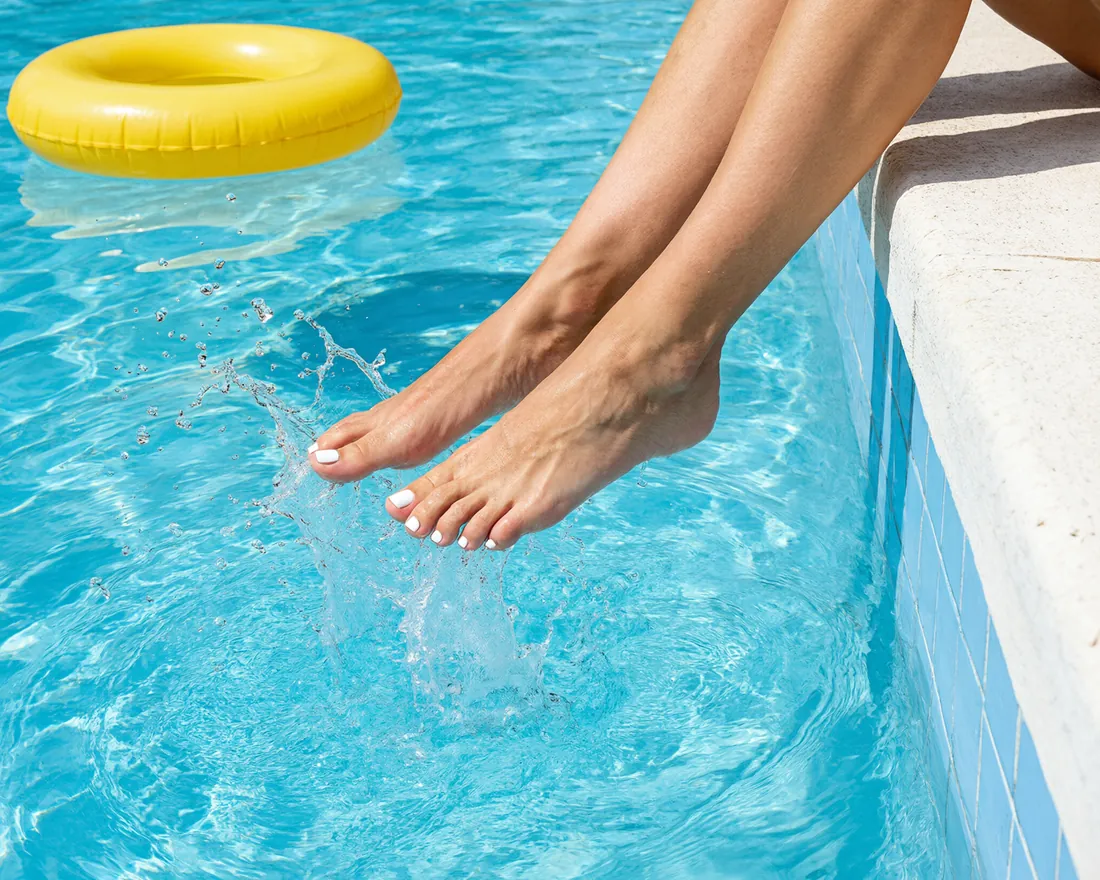
Your page lives at your own link, feet.panty.com/@ followed by your username. It shows your intro clip, your clips, your details and the Request button fans use to send you a request. You edit it under Promotion, My page.
Share it
My page shows your link with Copy link and Share. Media Studio, also under Promotion, turns your clips and photos into posts for TikTok, Instagram and X with your link. Every fan who comes through your link can send you a request right away, and you answer it like any other request.
What fans see
Logged-in fans see your clips, your details and your starting price if you set one. Visitors who are not logged in see a shorter page: your intro clip, the number of your clips and a free sign-up to watch them and send a request. The preview on My page shows your page exactly as a guest sees it.
Stats
Under Promotion, Stats you see your page visits and how far your clips reach, where your visitors come from and how many visits turned into requests, offers and paid orders.
Taking a break
On My page, under Visibility, you can pause your page. While it is paused, guests can no longer open it and you leave Creators and Clips. Members who have your link can still open it, and your inbox stays open, so running orders can finish.
Thank you for telling us.
Tell us what you need and we will help you.


Still have a question?
The help center answers most of them. Our support team handles the rest.